


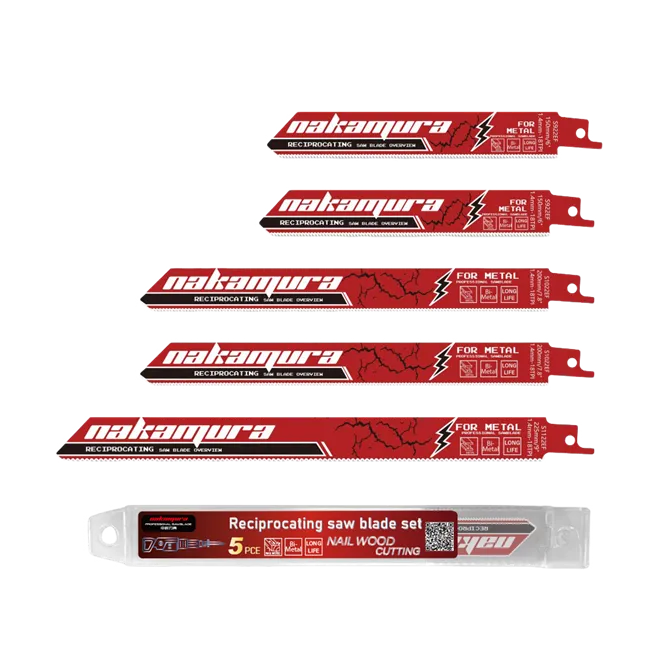
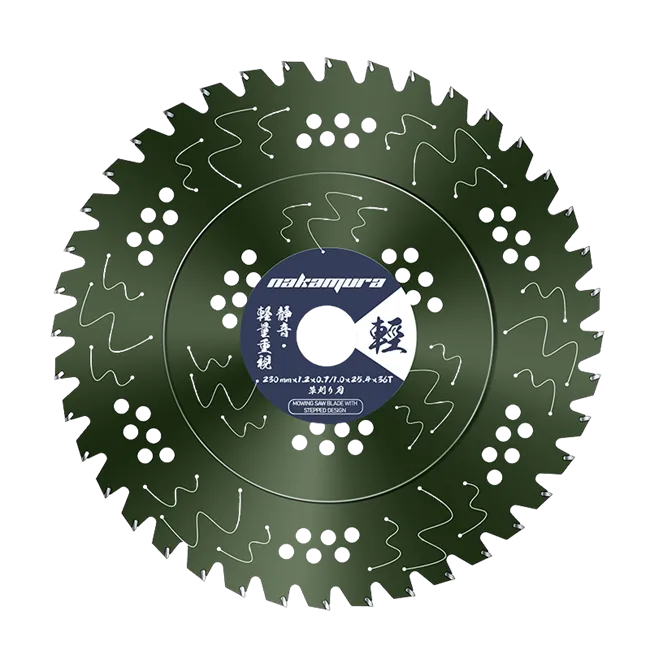

Carbide saw blades are widely used for cutting wood, aluminum, and other materials. However, poor cut quality, overheating, unexpected stalling, and premature tooth wear can affect cutting performance and productivity.
Many of these problems can be traced to blade selection, installation, operating conditions, or maintenance. Understanding the possible causes can help you identify issues early and determine when a blade needs cleaning, sharpening, or replacement.
1. Poor Cutting Quality
Rough edges, splintering, burrs, and uneven cuts can indicate that the blade is unsuitable for the material or cutting application.
Different materials require different blade designs. For example, tooth count and tooth geometry influence the finish when cutting wood, while aluminum cutting requires a blade designed to handle the material and clear chips effectively.
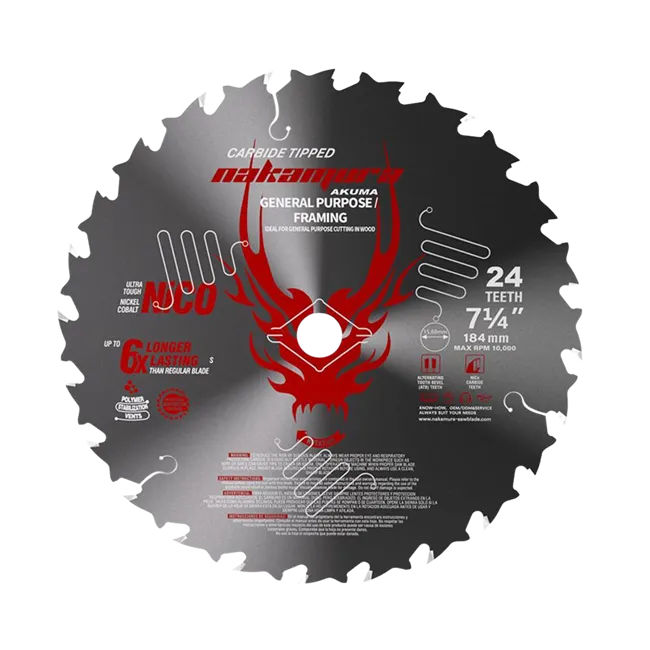
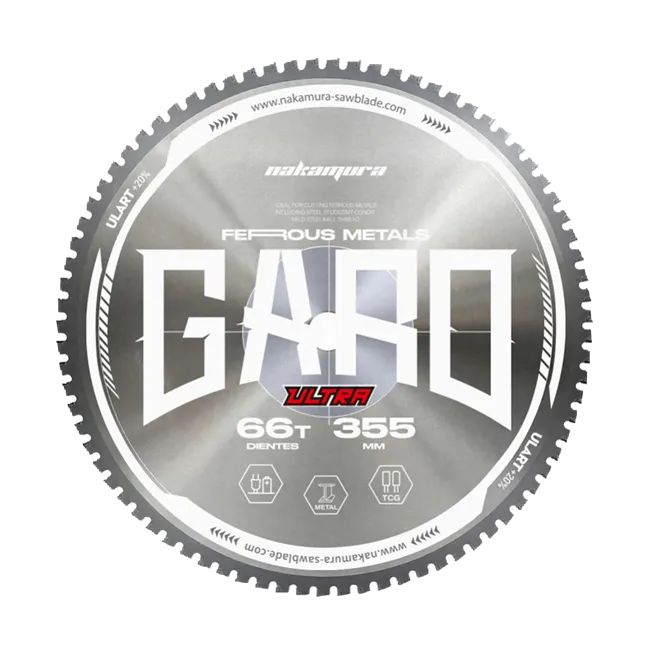
For general-purpose applications, a 185mm Multipurpose Circular Saw Blade may be worth considering. For aluminum fabrication, an Aluminum Circular Saw Blade is a more application-specific option.
If cut quality deteriorates, also inspect the blade for resin buildup, damaged teeth, and signs of wear. Confirm that the blade is suitable for the material and compatible with the saw before continuing work.
2. Blade Overheating
Excessive heat can accelerate tooth wear and affect cutting performance. Common contributing factors include a dull blade, an unsuitable blade for the material, excessive feed pressure, and inadequate chip clearance.
To troubleshoot overheating:
Check the blade condition: Worn or damaged teeth may increase cutting resistance.
Adjust the feed rate: Avoid forcing the saw through the material. Follow the saw and blade manufacturers' operating recommendations.
Inspect for buildup: Resin, metal chips, and other residue can interfere with cutting.
Verify the setup: Ensure the blade is correctly installed and the workpiece is securely supported.
If overheating continues, stop the saw and investigate the cause rather than continuing to cut. Always follow the equipment manufacturer's instructions for blade guards, operating speed, and safe use.
3. Cutting Stalls and Kickback
A blade that slows down, stalls, or catches during cutting may be dull, damaged, incorrectly selected, or operating under excessive load. Improper workpiece support and misalignment can also contribute to cutting problems.
Kickback is a serious hazard, particularly with handheld circular saws. It can occur when the blade binds or becomes pinched in the material.
Before resuming work:
Switch off and disconnect the saw from its power source, following the manufacturer's instructions.
Inspect the blade for damaged, missing, or excessively worn teeth.
Check that the blade is appropriate for the material and the saw.
Confirm that the workpiece is properly supported and that the cutting setup does not cause the blade to bind.
Never check blade sharpness by running your fingers over the teeth. If the blade is damaged or shows signs of deformation, replace it rather than continuing to use it.
4. Crooked Cuts and Blade Wobble
If a new blade cuts unevenly or wobbles during operation, installation and equipment condition should be checked before assuming the blade is defective.
With the saw switched off and disconnected, inspect the arbor and mounting flanges for dirt, chips, or other debris. Make sure the blade is seated correctly, installed in the proper direction, and secured according to the equipment manufacturer's instructions.
Also check for a damaged arbor, worn components, or a bent blade. Do not compensate for wobble by overtightening the mounting hardware. If the blade remains unstable after the setup has been checked, stop using the saw until the problem is resolved.
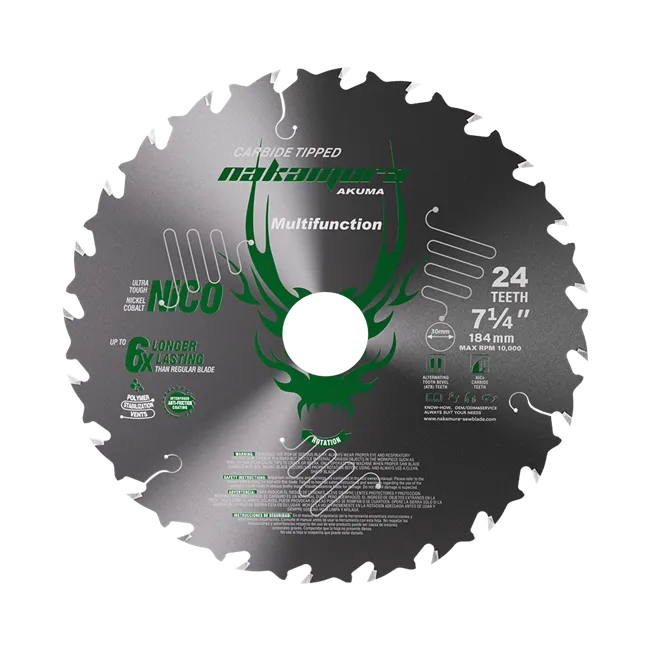
For jobs involving different materials, a 7-1/4 Multi-Material Cutting Blade may be an option, provided its specifications match the saw and the intended application.


5. Premature Carbide Tooth Wear
Carbide teeth can wear faster when a blade is used on unsuitable materials, operated under excessive load, or exposed to abrasive contaminants. Repeated overheating, impact, and improper handling can also damage the cutting edges.
To help extend blade service life:
Choose a blade designed for the material and cutting task.
Follow the recommended operating speed and feed rate.
Clean away accumulated resin and cutting residue using an appropriate cleaning method.
Inspect the teeth and blade body regularly for damage.
Have a suitable blade professionally sharpened when applicable, or replace it if it is damaged beyond repair.
Cleaning can help prevent residue buildup, but it cannot restore worn carbide teeth or correct a bent blade. The appropriate maintenance method depends on the blade construction and the type of contamination.
How to Prevent Common Saw Blade Problems
Good blade performance starts with selecting the right product and maintaining the correct operating conditions. Before each job, check the blade's condition, compatibility, installation, and suitability for the material. During cutting, avoid excessive feed pressure and stop immediately if unusual vibration, noise, overheating, or binding occurs.
When troubleshooting does not resolve the issue, consult the saw and blade manufacturers' guidance or seek professional inspection. A blade that is cracked, bent, or otherwise damaged should not be returned to service.
Choosing the right carbide saw blade and maintaining it correctly can help improve cut quality, reduce avoidable wear, and support more consistent results across a range of applications.