


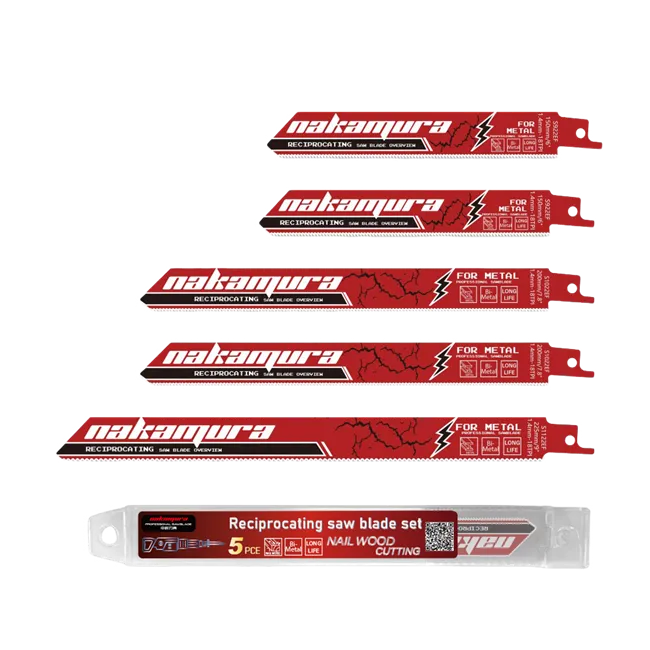
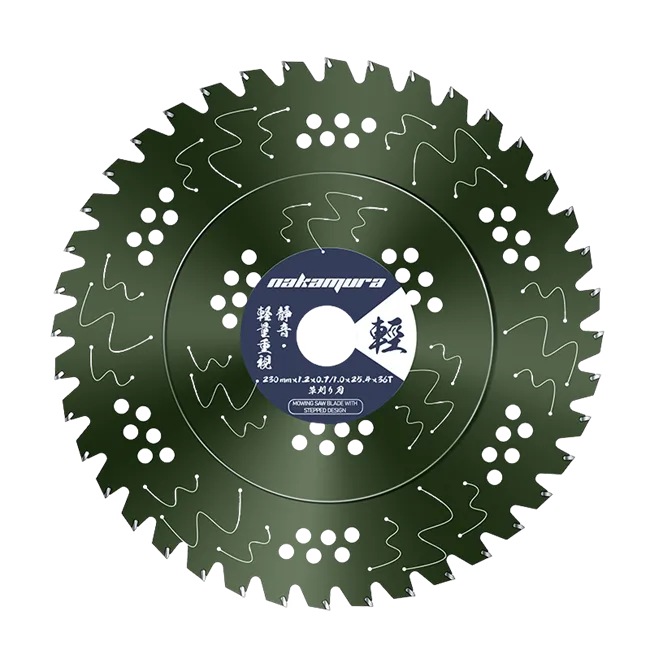

One question we often hear is: Can you run a carbide saw blade at high speeds?
The short answer is yes, but only within the blade's rated limits. Higher RPM doesn't automatically mean faster or better cutting. Using the wrong speed can cause excessive heat, vibration, premature wear, and even safety problems.
Let's look at what you should know before running your carbide saw blade at high speeds.
1. Understanding RPM and Cutting Speed
First, RPM and cutting speed are not the same thing.
RPM (revolutions per minute) measures how many times a blade rotates in one minute. Tip speed measures how fast the carbide teeth travel around the blade's circumference.
Blade diameter matters here. A larger blade travels farther with each rotation than a smaller one at the same RPM.
You can calculate the approximate tip speed using this formula:
Tip Speed (m/min) = π × Blade Diameter (mm) × RPM ÷ 1,000
This explains why different blade sizes may require different operating speeds. However, there is no universal ideal speed for every carbide blade. Material, tooth geometry, blade design, and machine specifications all play a role.
2. What Happens When a Blade Runs Too Fast?
Carbide teeth are hard and wear-resistant, but they are not indestructible.
Operating a blade beyond its rated maximum RPM can create several problems:
Excessive vibration: May affect cutting accuracy and increase safety risks.
Overheating: Excessive speed combined with unsuitable feed rates or poor chip removal can cause burning and premature wear.
Tooth damage: Carbide is relatively brittle and can chip under impact or excessive mechanical stress.
Blade failure: Operating beyond the permitted speed can create dangerous mechanical stress.
The important thing is to follow the blade manufacturer's maximum RPM rather than simply setting your saw to its highest speed.
3. Does Material Type Affect Operating Speed?
Absolutely. Different materials require different cutting conditions.
Wood: Softwood, hardwood, plywood, and laminated panels all behave differently. The right tooth geometry, sharpness, and feed rate help achieve clean cuts without excessive heat.
Aluminum: Aluminum is relatively soft and ductile, so chips can accumulate around the teeth. Dedicated aluminum blades commonly use TCG (Triple Chip Grind) tooth geometry and specially designed gullets to improve chip removal.
Our 10 Inch Aluminum Cutting Saw Blade offers different tooth-count options for aluminum cutting applications.
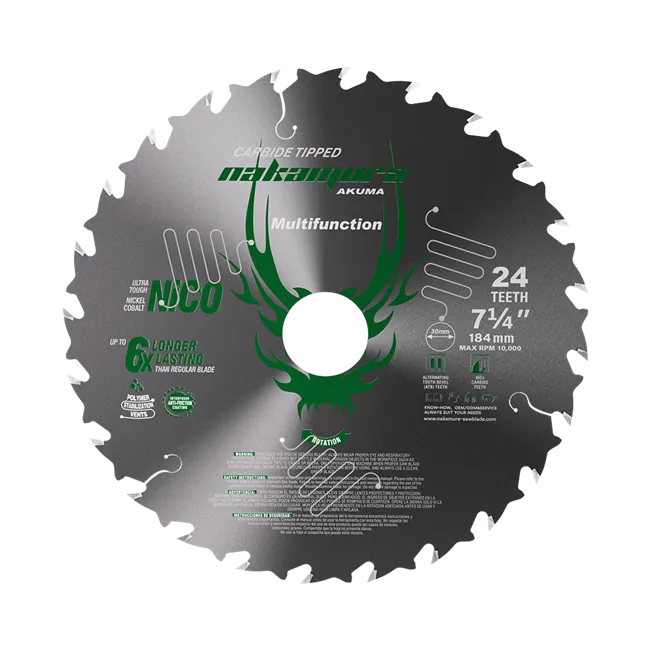
Multi-material cutting: If your projects involve wood, plastic, aluminum, or nail-embedded wood, a dedicated multi-material blade can reduce the need for frequent blade changes.
For example, our 7-1/4 Multi-Material Cutting Blade features a 24T TCG design.
Another option is our Multi Blade Circular Saw 147mm, featuring 40 ATB teeth and a Teflon coating.
Remember that multi-material blades are not suitable for every material or cutting condition. Always check their intended applications and operating limits.
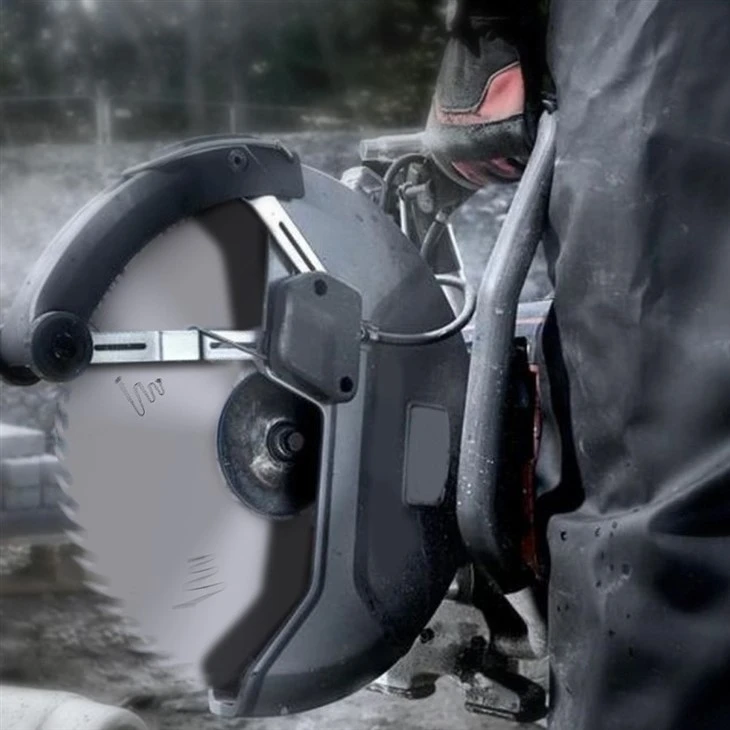

4. How Do You Choose the Right RPM?
Before using a carbide saw blade, check three specifications:
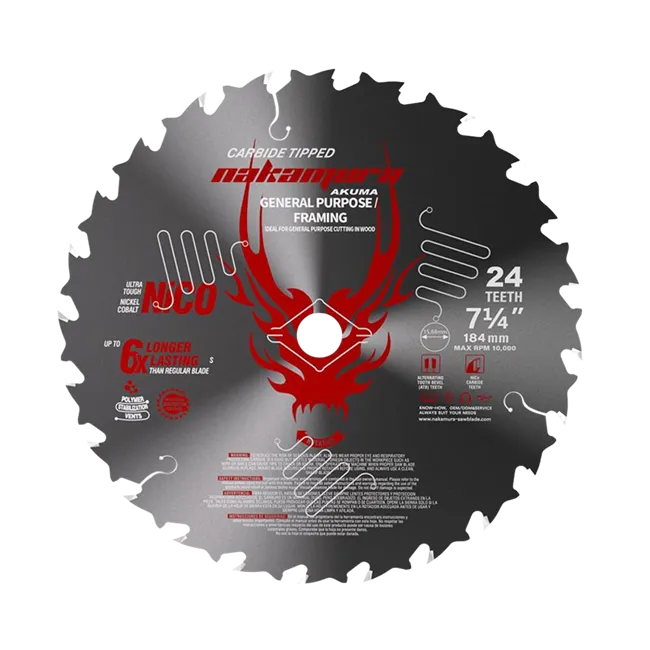
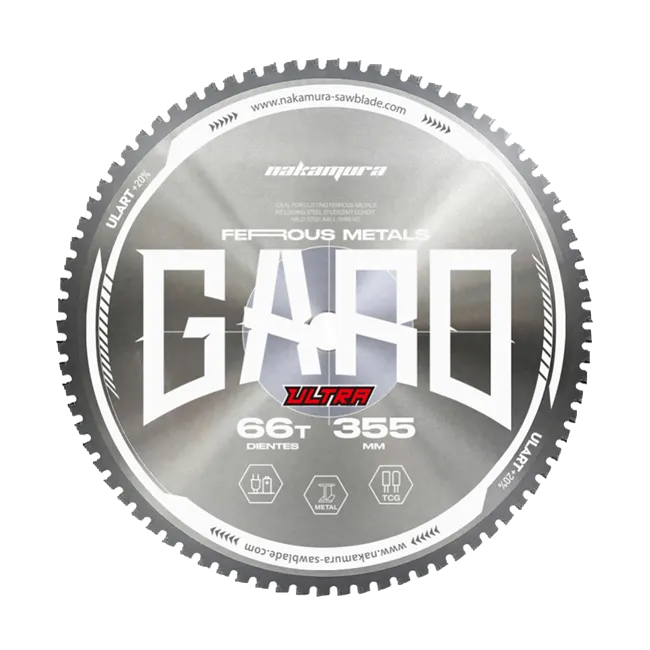
Maximum RPM: Never exceed the maximum rotational speed marked on the blade.
Blade diameter: Make sure the diameter matches your saw's requirements.
Machine compatibility: Check the arbor size, operating speed, and manufacturer's recommendations.
You can also use this formula to understand the relationship between blade diameter and tip speed:
RPM = (Tip Speed × 1,000) ÷ (π × Blade Diameter in mm)
This formula is useful for understanding rotational speed, but it does not determine the blade's safe maximum RPM. Always follow the manufacturer's specifications.
5. Common Mistakes to Avoid
Here are a few mistakes worth remembering:
Ignoring maximum RPM: Never assume a blade can handle the highest speed of every saw.
Assuming higher speed means better cutting: Feed rate, tooth geometry, and material properties also matter.
Using the wrong blade: Choose a blade designed for the material you're cutting.
Ignoring maintenance: Dull or damaged teeth increase cutting resistance and can generate excessive heat.
Overlooking installation: Make sure the blade is correctly mounted and the workpiece is securely positioned before cutting.
Final Thoughts
So, can you run a carbide saw blade at high speeds? Yes, provided both the blade and the saw are designed for those operating conditions.
The key isn't to push RPM as high as possible. It's to match the blade, machine, and material correctly. With the right setup and regular maintenance, you can achieve efficient cutting, cleaner results, and longer blade life.